 Day
Your day, at a glance.
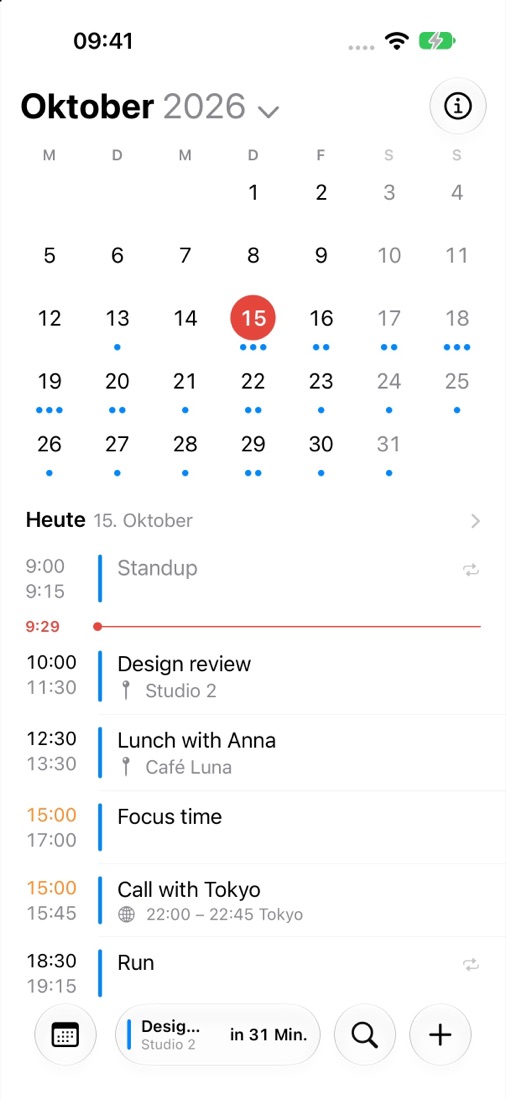
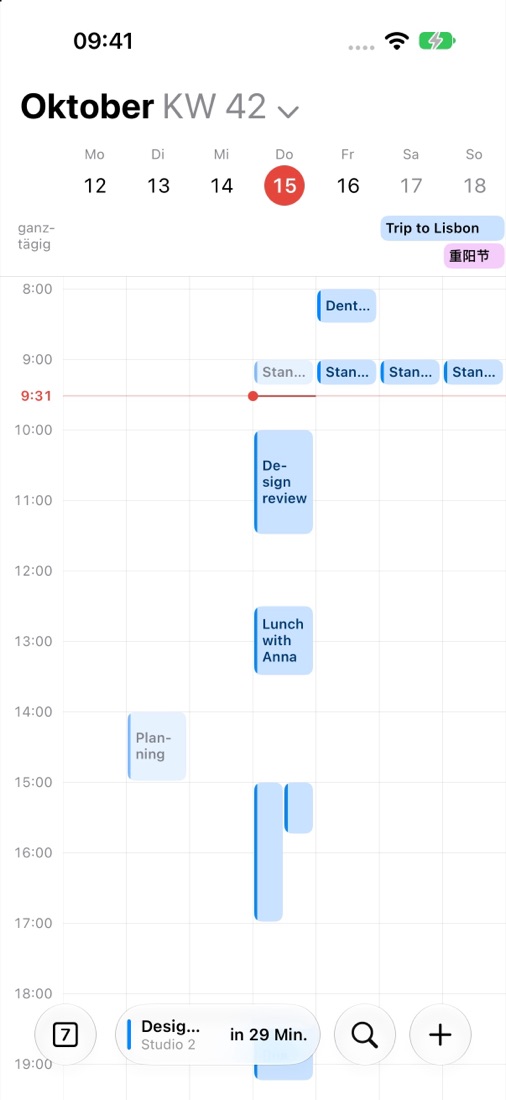
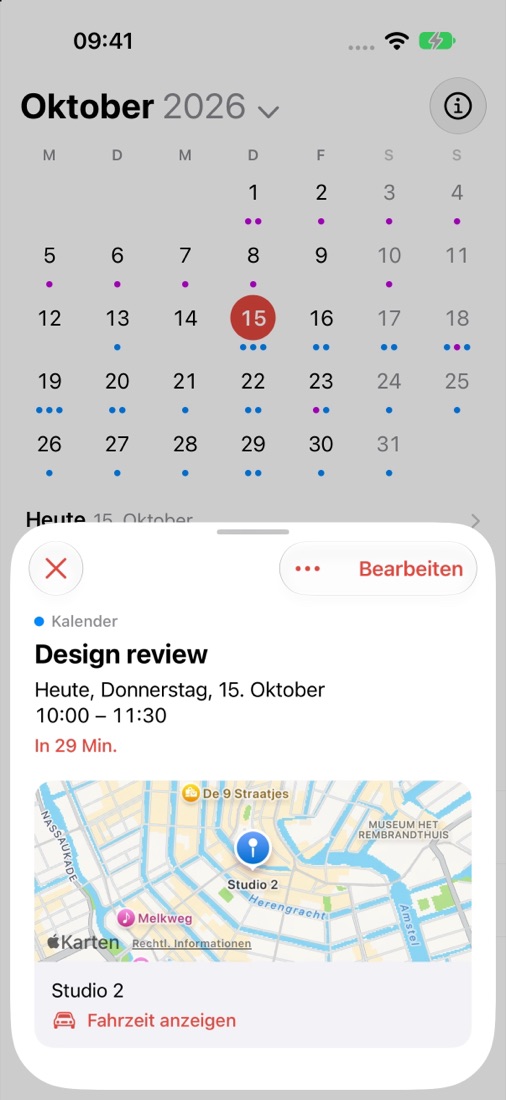
Day shows the calendars already set up on your device: iCloud, Google, Exchange and others. Day, three days, week, month and year, with quick entry, widgets and Live Activities.
iPhone and iPad with iOS 18 or later · No Day account · No tracking
Help
Day shows no events, or not all of them.
Day needs full access to your calendars: iOS Settings → Privacy & Security → Calendars → Day → Full Access. In Day, Settings → Shown Calendars chooses which calendars appear.
How do I add a Google or Exchange calendar?
Add the account in iOS Settings → Apps → Calendar → Calendar Accounts. Day shows it automatically. Events sync through those accounts, not through Day.
Where are my events stored?
In your own calendars. Day has no server of its own and doesn't copy your events. What you change in Day is saved straight to the calendar it belongs to.
How do travel times and leave-by reminders work?
For events with a place, Day can use Apple Maps to work out when you need to leave and remind you in time. This needs your location while you use the app. Turn it on in Settings → Reminders → Leave-By Reminders.
Can I use Google Maps or another browser?
Yes. Settings → Default Apps chooses what opens directions and links.
How do my settings stay the same on every device?
With Settings → General → Sync Settings with iCloud, selected settings follow you to your other devices through your iCloud. Which calendars are shown stays per device.
Contact
Questions, bugs or ideas? Write to getaiityapp+day@gmail.com. It helps to include your device, iOS version and what happened.
Privacy: Privacy policy · Datenschutzerklärung